Key takeaways
- Alexa for Shopping is rolling out on select Amazon.in storefronts from 12 November 2026
- It is free for signed-in customers; no Prime or Echo device needed
- It shows price history for 30, 60 or 365 days and can set deal alerts
- It can compare products side by side and build a basket from past orders
- Amazon says it is only for shopping queries, not news, finance or health
Amazon has started rolling out Alexa for Shopping in India, an AI assistant inside the Amazon Shopping app and Amazon.in that can compare products, show up to a year of price history and set deal alerts. It is free for every signed-in customer and does not need a Prime membership or an Echo speaker. Amazon announced the rollout on 12 November 2026, and it is reaching users on select storefronts first.
What is Alexa for Shopping?
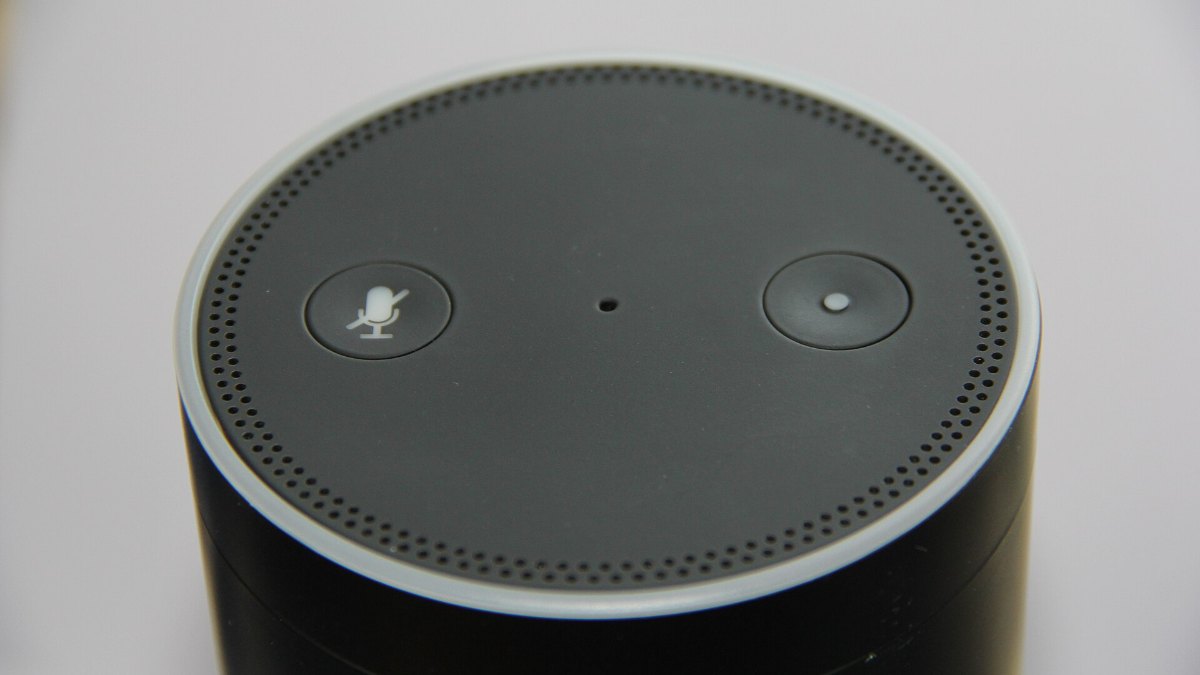
Alexa for Shopping joins two things Amazon already had. Rufus, its shopping assistant, brings the product knowledge. Alexa+, the newer version of the voice assistant, brings personal context such as your preferences and past conversations.
Amazon says what you tell Alexa on an Echo device can shape what you see on Amazon.in, and your browsing and orders on Amazon.in can make Alexa more useful. According to the official Amazon India announcement, more than 400 million customers worldwide have used Amazon’s AI shopping assistance in the last 12 months.
 Also readXiaomi 18 Pro Global Launch on Nov 17: India Date, Price, Specs
Key features
- AI overviews: A short AI summary appears at the top of search results and on product pages, explaining what to look for in that category.
- Product comparison: Ask it to compare two products and it gives a side-by-side summary of features, prices and review highlights.
- Price history: Tap Price History on a product page to see how the price moved over 30, 60 or 365 days.
- Deal alerts and scheduled actions: You can be told when a price drops, or set a repeat order, for example restocking household items when the price goes below a level you pick.
- Shopping guides: For bigger buys like a 55-inch smart TV or a gaming laptop, it can build a personalised guide.
- Basket from past orders: Say “add my usual cleaning products” and it pulls items from earlier orders, ready for checkout.
- Editable preferences: You can view, change or delete what it knows about you, such as family members’ preferences, pets or dietary needs, by asking in the chat.
Older features such as package tracking, order status and returns also work through the same chat.
How to use Alexa for Shopping
- Update the Amazon Shopping app from the Play Store or App Store.
- Sign in to your Amazon.in account.
- Tap the Alexa icon in the bottom navigation bar.
- On a computer, look for the Alexa option at the top of the Amazon.in page.
If you do not see the icon yet, it may not have reached your account. Amazon says it is rolling out on “select storefronts” and has not listed which ones.
What it will not do
Amazon’s disclaimer says the assistant is only meant for shopping questions on Amazon.in. It should not be used for news, financial, legal or medical information. For smart home control, music or household tasks, it passes you to Alexa+ in the Alexa app or on Alexa.com.
Amazon has not said which Indian languages Alexa for Shopping supports at launch. The company says more features will come “in the coming weeks and months”.
Why the price history tool matters
Customers set more than 4 million deal alerts during the Amazon Great Indian Festival 2026, Amazon says. A built-in year-long price graph means you no longer need a third-party tracker to check whether a “deal” is real. It is still worth checking the final price, bank offer terms and seller name before you pay, as we explained in our guide to sale-season scams and fake links.
Price drops on phones like the Google Pixel 11 on Amazon are a good test case. With the new tool, you can see if the current price is actually the lowest in a year before you buy.
At a glance
| Detail | What we know |
|---|---|
| Announced | 12 November 2026 |
| Where | Amazon Shopping app and Amazon.in (select storefronts) |
| Price | Free for signed-in customers |
| Prime needed? | No |
| Echo device needed? | No |
| Price history | 30, 60 or 365 days |
For now, the best way to try it is to update the app and ask it to compare two products you are already considering. If the icon is missing, check again after a few days as the rollout widens.
Frequently asked questions
Is Alexa for Shopping free in India?
Yes. Amazon says all signed-in Amazon.in customers can use it for free, without a Prime membership or an Echo device.
How do I open Alexa for Shopping?
Update the Amazon Shopping app and tap the Alexa icon in the bottom navigation bar. On desktop, it appears at the top of the Amazon.in page.
Why can I not see Alexa for Shopping in my app?
Amazon is rolling it out on select storefronts first, so it may not have reached every account yet. Update the app and check again later.
Can Alexa for Shopping show price history?
Yes. Tap Price History on a product page, or ask, to see price changes over 30, 60 or 365 days.
See more TechInformer stories on Google
Add us as a preferred source and our stories will show up more often in your Top Stories.
Add TechInformer as a preferred source on Google