
Have you ever lost your Android phone? Losing one’s smartphone is not a happy feeling for sure. A loss of a smartphone can entail so much more than just a loss of money. This small handheld device can contain priceless data from our pictures, logins, notes, our contacts as well as our banking credentials.
It has been a task to retrieve your lost smartphone for many and becomes taxing at times.
However many smartphones have now addressed this issue and have made it easier for us to secure our sensitive data on our smartphones.
 Also readKarbonn Rebel, Rebel Pro Launched in India: Price, Specs, Sale
By following some simple steps on your Android smartphone, you can easily secure your data as well as retrieve your lost gadget.
Lost Your Android Phone? This Is How You Secure Its Data:
Find My Device
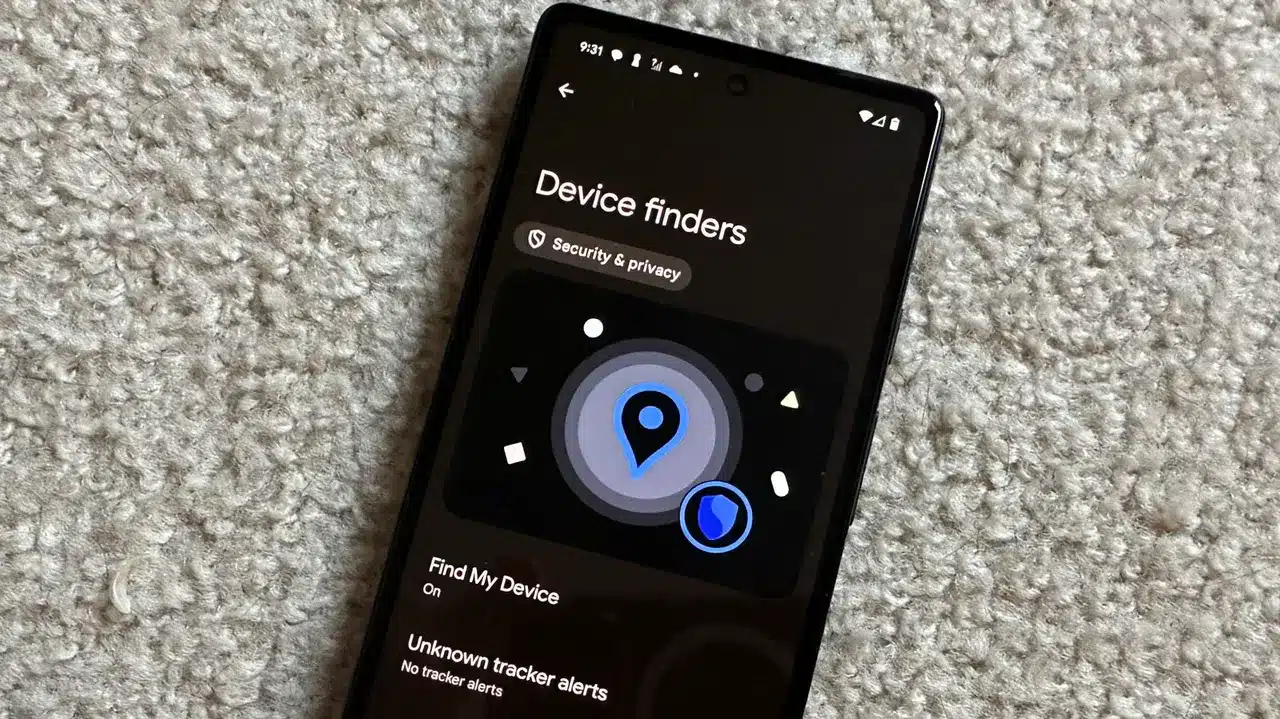
By using this feature, you can not only locate your lost device but also remotely erase your data from the lost smartphone. Make sure to turn it on. Here are some simple steps to turn on this feature.
- Go To Settings
- Scroll down and click on Google
- Click on Find My device
- Use the toggle to turn on ‘Use Find My Device’
Once switched on, you can locate your lost device through another device on the Find My Device App or through Find My Device Web. You will find many of your gadgets linked like your headphones, watch, and others. Choose your smartphone that has been lost.
However, this feature is only useful if your device’s network is on. In case a phone is switched off you will only be able to see the last active location.
Through the app or web browser, you can choose various options like play sound to locate the phone if it is nearby.
But if the phone is stolen for good, all that is left to do is secure your data. Through Find My Device, you can remotely erase your sensitive data from the selected handset. Or you may even reset your smartphone’s password so that no one can have access to the data.
To ensure that you make the most of the feature at the time of need, make sure to regularly backup your photos and data on your Google Drive.
Also Check: 5 Emergency Features In Android Phone You Should Know About
See more TechInformer stories on Google
Add us as a preferred source and our stories will show up more often in your Top Stories.
Add TechInformer as a preferred source on Google