TechInformer
Follow on Google
  • Latest
  • AI
  • Smartphones
  • Gadgets
  • Apps
  • Telecom
  • Startups
  • Security
  • Gaming
  • Reviews
  • How To
No Result
View All Result
  • Latest
  • AI
  • Smartphones
  • Gadgets
  • Apps
  • Telecom
  • Startups
  • Security
  • Gaming
  • Reviews
  • How To
No Result
View All Result
TechInformer
No Result
View All Result
Home AI

How to Replace Google Assistant with Gemini AI on Your Android Phone

by TechInformer Desk
September 3, 2024
in AI, Android, Apps, Smartphones, Tech
Reading Time: 2 mins read
A A
How to Replace Google Assistant with Gemini AI on Your Android Phone
2 min readAdd TechInformer as a preferred source on Google

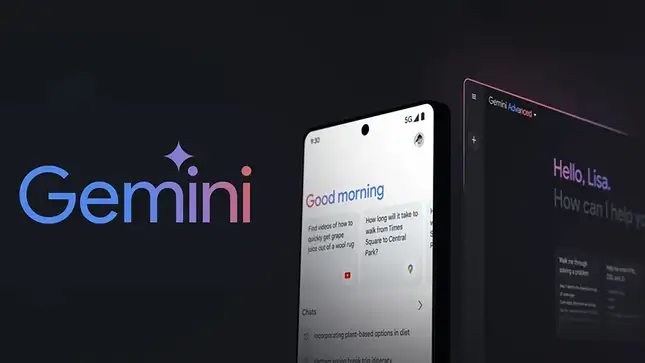
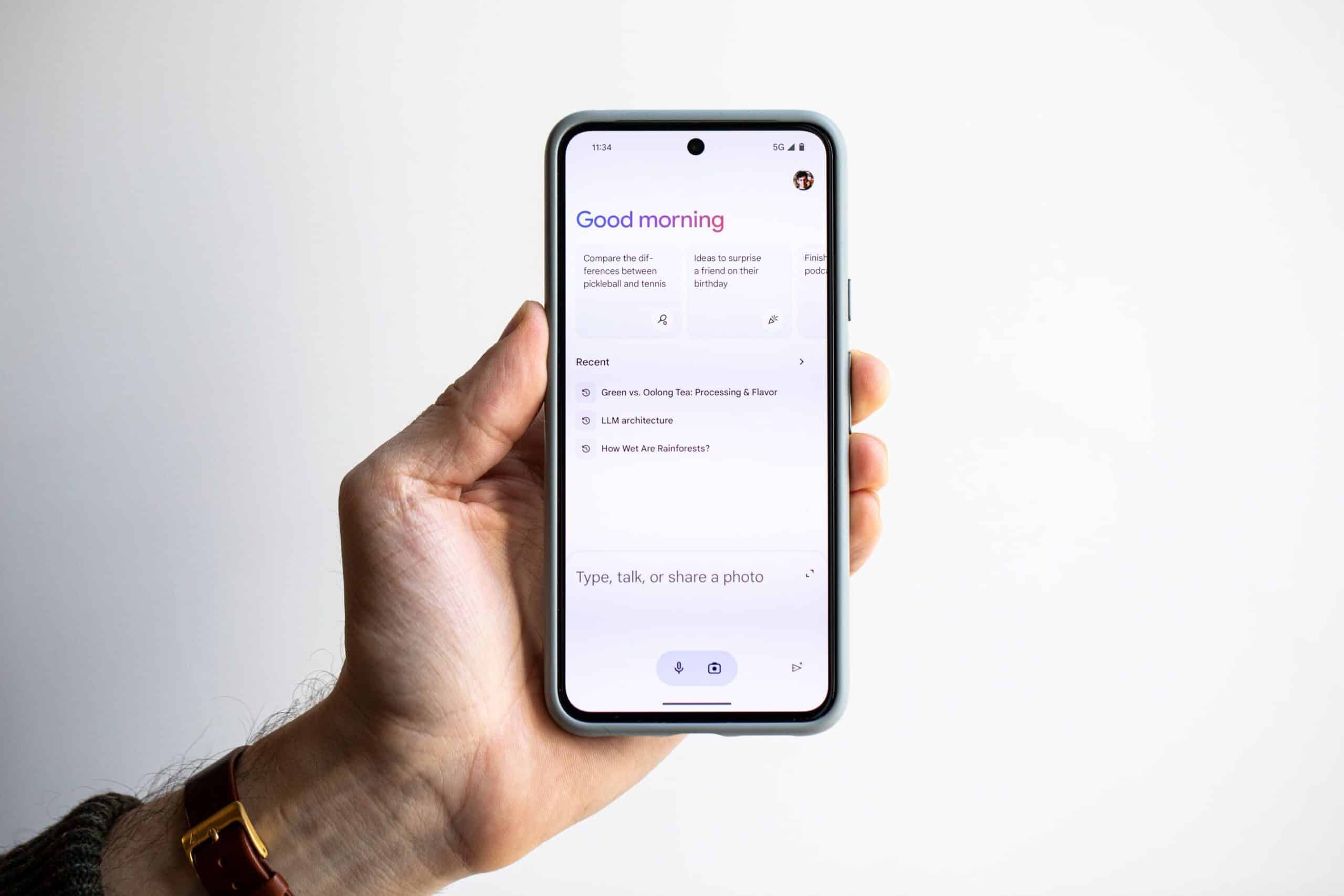
Recently, Google has launched the latest AI Assistant, Gemini AI. It was launched as the successor to Google Assistant and it has functionalities of both, Bard and Duet AI. 

Gemini AI can perform enhanced text-based tasks and has powerful image-generation capabilities. With its launch, Google plans to upgrade its AI technology substantially. 
How to Replace Google Assistant with Gemini AI on Your Android Phone

ChatGPT Go Free Offer Ending in India: What to Do NowAlso readChatGPT Go Free Offer Ending in India: What to Do Now

Follow these simple steps to replace Google Assistant with Gemini AI on an Android phone: 

  1. Download Gemini from the Google Play Store.

  2. Open the Gemini app and set it up with your Google account.

  3. Open the Google app and tap your profile picture in the upper left corner.

  4. Go to Settings, then Google Assistant, then Digital Assistants from Google.

  5. Select Gemini as the default digital assistant.
How to Replace Google Assistant with Gemini AI on Your Android Phone

Though Gemini AI is a clear AI upgrade, it is still pretty new and has many learning curves. There are certain tasks that it may yet not be able to perform like control your smart home devices and some may prefer the traditional Google Assistant.

So if you’ve tried the latest AI version but are not satisfied, you can easily switch back to Google Assistant.

  • Open the Gemini app and tap on the profile icon in the top corner
  • Select “Settings”
  • Scroll down to “Digital Assistants from Google.”
  • Select “Google Assistant”
  • Confirm the change by tapping “Switch” on the prompt.

Once you have confirmed the switch, you will be able to use Google Assistant as your AI assistance and change back anytime you want.

Check Out: Best ChatGPT Prompts Tips To Generate Specific Results

Found this useful?

Share it with your friends

See more TechInformer stories on Google

Add us as a preferred source and our stories will show up more often in your Top Stories.

Add TechInformer as a preferred source on Google


WhatsAppLinkedInXFacebookEmail

Related Posts

Apple TV 4K streaming box with Siri Remote (earlier model shown)
Gadgets

Apple TV 4K (2026) Launched: India Price Rs 39,900, A19, Siri AI

October 13, 2026
Apple MacBook Pro laptop on a desk, representing Apple’s upcoming Mac launches in late 2026
Gadgets

Upcoming Apple Launches 2026: New Macs, iPad mini and iPhone 18

October 13, 2026
An iPhone showing the home screen, illustrating the iOS 27 update
Apps

iOS 27 Update in India: Supported iPhones and New Features

October 13, 2026
Vivo smartphone with a triple rear camera
Smartphones

Vivo V80 Price in India Starts at Rs 62,999: Specs, Sale Date

October 13, 2026
ChatGPT app on a smartphone screen
AI

ChatGPT Go Free Offer Ending in India: What to Do Now

October 13, 2026
OnePlus Android 16 Beta 2 Update Reportedly Adds Custom Battery Charging Limit Feature
Smartphones

OnePlus Android 16 Beta 2 Update Reportedly Adds Custom Battery Charging Limit Feature

April 14, 2025
Next Post
All Mortal Kombat 1 Characters and Kameo Fighters

All Mortal Kombat 1 Characters and Kameo Fighters

Popular

Apple’s iPhone 15 Secures Top Spot As Best-Selling Smartphone Globally In Q3

Apple’s iPhone 15 Secures Top Spot As Best-Selling Smartphone Globally In Q3

November 8, 2024
Apple MacBook Pro laptop on a desk, representing Apple’s upcoming Mac launches in late 2026

Upcoming Apple Launches 2026: New Macs, iPad mini and iPhone 18

October 13, 2026
Leaked Image Reveals iPhone 17 Air Is Thinner Than iPhone 17 Pro

Leaked Image Reveals iPhone 17 Air Is Thinner Than iPhone 17 Pro

March 28, 2025
Jio Offers 2-Year Of Free YouTube Premium With JioFiber & AirFiber Postpaid Plans

Jio Offers 2-Year Of Free YouTube Premium With JioFiber & AirFiber Postpaid Plans

January 13, 2025
Meta To Allow Users To Automatically Share WhatsApp Status On Instagram & Facebook

Meta To Allow Users To Automatically Share WhatsApp Status On Instagram & Facebook

January 22, 2025
Google Docs Now Allows Users To Generate AI Photos With Gemini

Google Docs Now Allows Users To Generate AI Photos With Gemini

November 18, 2024
Facebook Instagram Twitter LinkedIn Youtube

About Tech Informer

Focused on keeping new-age audiences informed about the ever-evolving world of technology, Tech Informer is the one-stop destination if you enjoy reading about the ongoing developments in the Tech world.

Navigation

  • Latest
  • AI
  • Smartphones
  • Gadgets
  • Apps
  • Telecom
  • Startups
  • Security
  • Gaming
  • Reviews
  • How To

Information

  • About Us
  • Contact Us
  • Privacy Policy

©2026 Copyright Tech Informer. RVCJ Digital Media Pvt Ltd

TechInformer

Tech news, smartphones, AI and gadgets in India, explained simply.

Topics

  • Latest
  • AI
  • Smartphones
  • Gadgets
  • Apps
  • Telecom
  • Startups
  • Security
  • Gaming
  • Reviews
  • How To

Company

  • About us
  • Contact us
  • Privacy policy
  • Advertise with us

Follow us on Google

Add TechInformer as a preferred source and see our stories more often in Top Stories.

Add as preferred source

© 2026 Tech Informer. RVCJ Digital Media Pvt Ltd.

Latest news · Sitemap

TECHINFORMER
No Result
View All Result
  • Latest
  • AI
  • Smartphones
  • Gadgets
  • Apps
  • Telecom
  • Startups
  • Security
  • Gaming
  • Reviews
  • How To

©2026 Copyright Tech Informer. RVCJ Digital Media Pvt Ltd