Key takeaways
- CNAP shows the caller's name from operator KYC records
- DoT set the start date as 1 November 2026
- It is on by default on 4G and 5G, no app needed
- Saved contact names still take priority
- Callers using CLIR are exempt from name display
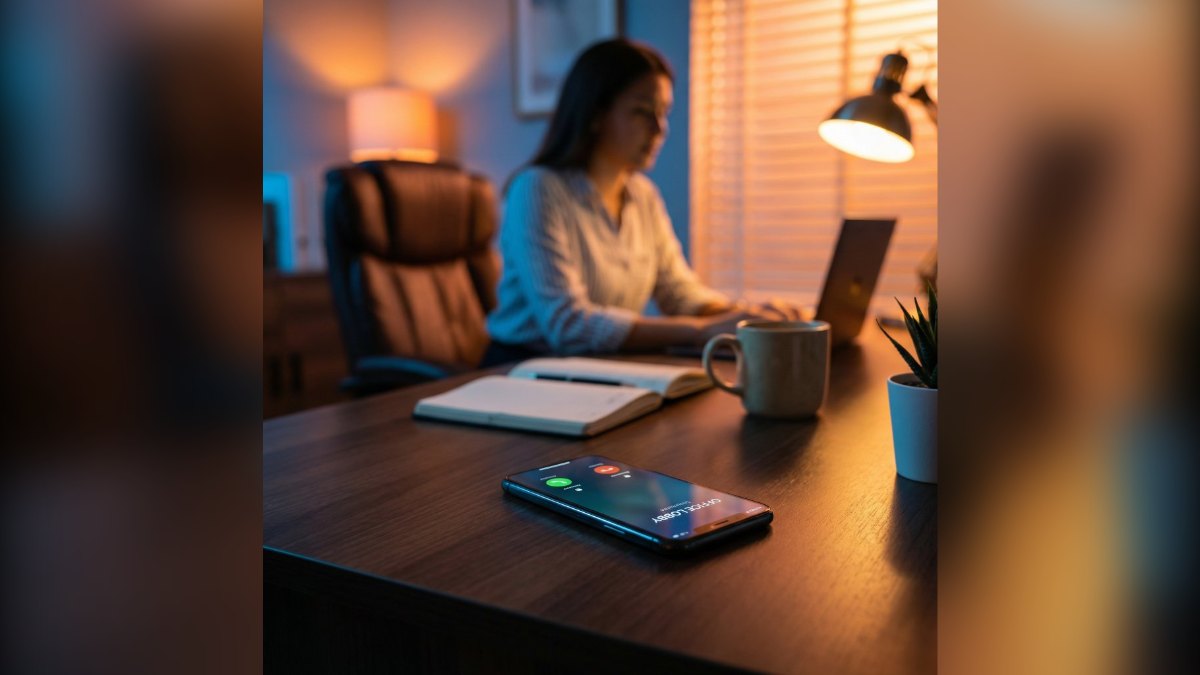
If an unsaved number now shows a name when it calls you, that is CNAP, or Calling Name Presentation. The Department of Telecommunications (DoT) told Jio, Airtel, Vi and BSNL to switch it on from 1 November 2026, and it shows the caller’s name as recorded in their telecom operator’s subscriber records. It is on by default on 4G and 5G networks, and you do not need to install any app or activate anything.
What is CNAP?
CNAP stands for Calling Name Presentation. It is a network feature, not an app. When someone calls you, your operator asks the caller’s operator for the name linked to that number and shows it on your screen along with the number.
The name comes from the subscriber database, which is built from the documents a person gave when buying the SIM. That is the key difference from apps like Truecaller, which rely partly on names that other users have saved or reported.
 Also readHow to Lock Aadhaar Biometrics Online and Stop AePS Fraud
CNAP at a glance
- Start date: 1 November 2026, as directed by DoT
- Operators: Jio, Airtel, Vodafone Idea (Vi) and BSNL
- Networks: 4G and 5G first; 2G, 3G and landlines to be considered separately
- Activation: on by default, no opt-in needed
- Cost: no charge has been announced for users
How CNAP works on your phone
The process happens in the background during the few seconds a call connects:
- A person calls you from a number you have not saved.
- Your operator queries the caller’s operator for the registered name.
- The name appears on your incoming call screen next to the number.
- Once the call ends, the name is not stored. DoT’s guidelines require operators to discard it.
If you have already saved the number, your saved contact name will still show. CNAP does not overwrite your contacts.
Why the name may not show for some calls
You may still see only numbers on some calls in the early weeks. Common reasons:
- The caller is on 2G or 3G, or calling from a landline. The first phase covers 4G and newer networks only.
- The caller has hidden their identity. People who have activated CLIR (Calling Line Identification Restriction) are exempt.
- The call is international. CNAP works on the subscriber records of Indian operators.
- Your phone or network setting is the issue. Keep VoLTE on and your phone software updated, since older phones may not display the name field properly.
If the name never appears on any call, contact your operator’s customer care. Since this is a new rollout, support across every phone model may take time.
Which name will others see when you call?
They will see the name on your SIM’s KYC records. For most people, that is the name on the ID used to buy the connection. This raises two practical points.
If the SIM is in someone else’s name
Many families use SIMs bought in a parent’s or spouse’s name. With CNAP, callers will see that person’s name, not yours. If that matters to you, ask your operator about moving the connection to your own name. Our guide on checking SIM cards issued in your name also helps you spot connections you did not know about.
Businesses can show a brand name
DoT allows business and bulk-connection users to display a preferred name instead of the registered one. That name must be backed by a trademark registered with the Trade Marks Registry or a trade name registered on the GST portal. Operators must verify the documents before approving it.
Does CNAP stop scam calls?
It helps, but it is not a full shield. Seeing a real registered name makes it harder for a fraudster to pretend to be your bank or a government officer from a personal number. If a caller claims to be from a bank but the screen shows an unrelated individual’s name, that is a strong warning sign.
Still, scammers often use SIMs bought with stolen or borrowed documents. A name on screen only tells you whose papers were used, not who is actually speaking. Follow these habits anyway:
- Never share an OTP, UPI PIN or card details on a call, whatever name appears.
- Banks and police do not ask you to move money or stay on a video call for “verification”. Read our explainer on the digital arrest scam.
- Register on DND and report spam numbers. Our guide to stopping spam calls walks you through it.
CNAP vs Truecaller
| Point | CNAP | Truecaller-type apps |
|---|---|---|
| Source of name | Operator’s KYC records | User contacts and reports |
| App needed | No | Yes |
| Spam tagging | No | Yes |
| Data shared with app | None | App permissions such as contacts |
| Works on | 4G and 5G calls for now | Any call with internet on the phone |
For many users, CNAP will be enough to decide whether to pick up. Those who want spam warnings may still keep a caller ID app alongside it.
Is my privacy at risk?
The name shown is the one you gave your operator at the time of KYC. The rules require operators not to store it on the receiver’s side after the call ends, and to set up a complaint system for CNAP issues. If you do not want your name shown, the CLIR route hides your identity, though it also hides your number and many people do not answer such calls.
Frequently asked questions
How do I activate CNAP on my phone?
You do not need to. CNAP is enabled by default on 4G and 5G networks of Jio, Airtel, Vi and BSNL from 1 November 2026.
Why is the caller name not showing on my phone?
The caller may be on 2G, 3G or a landline, may have activated CLIR, or the call may be international. Keep VoLTE on and your phone updated, and contact your operator if names never appear.
Is CNAP free?
No charge for users has been announced. It is a network feature that works without any app.
Does CNAP replace Truecaller?
It shows verified registered names, but it does not tag spam numbers. Some users may keep a caller ID app for spam warnings.
See more TechInformer stories on Google
Add us as a preferred source and our stories will show up more often in your Top Stories.
Add TechInformer as a preferred source on Google